
The workarounds become the job — the manual pulls, the reconciliations, the reports you run just to answer a simple question.
You don't realize how much you've given up until it's given back.








"In 37 years of education, I've never had an onboarding experience that has been as positive or welcoming as this one has been with KickUp. It has been the easiest rollout of anything that I've worked with in all my years."

KickUp was built from the ground up for one job: helping instructional leaders connect professional development, coaching, and evaluation in a single platform. Frontline's products were acquired, not built together — and it shows. The difference is in the experience, the data, and the pace of innovation.
Districts that made the switch say the same thing about where they started.
Your team has built elaborate processes just to keep the platform from losing work.
Staff ask how to complete their evaluations — even after they've done it before.
Someone manually reconciles attendance, credit, or payroll for PD every single cycle.
PD sessions go under-attended — and nobody's sure if it's the reminder, the registration process, or the catalog.
Every support ticket starts from scratch. Nobody on the other end knows your district.
You can't tell whether your PD is moving the needle on teacher performance — because the data lives in different places.

KickUp replaces Frontline's educator development products — PD management, instructional coaching, walkthroughs, and teacher evaluation. It does not replace Frontline's hiring, onboarding, or absence management modules. Most districts run KickUp alongside those tools, or alongside Red Rover for absence management, and find the transition cleaner than they expected.
The biggest differences show up in three places.
Flexibility: KickUp supports unlimited evaluation cycles for any staff type or framework, and changes can be made mid-cycle without rebuilding from scratch.
Leader and staff experience: Evaluators walk into observations with tools that work with them, not against them. AI timestamps notes and tags evidence to your framework in real time — cutting scripting and write-up time by up to 80%. Feedback is faster to write and clearer to receive. Staff always know exactly where they stand in the process and what's expected next. And the interface is intuitive enough that most districts need no formal training — teachers and evaluators figure it out on their own.
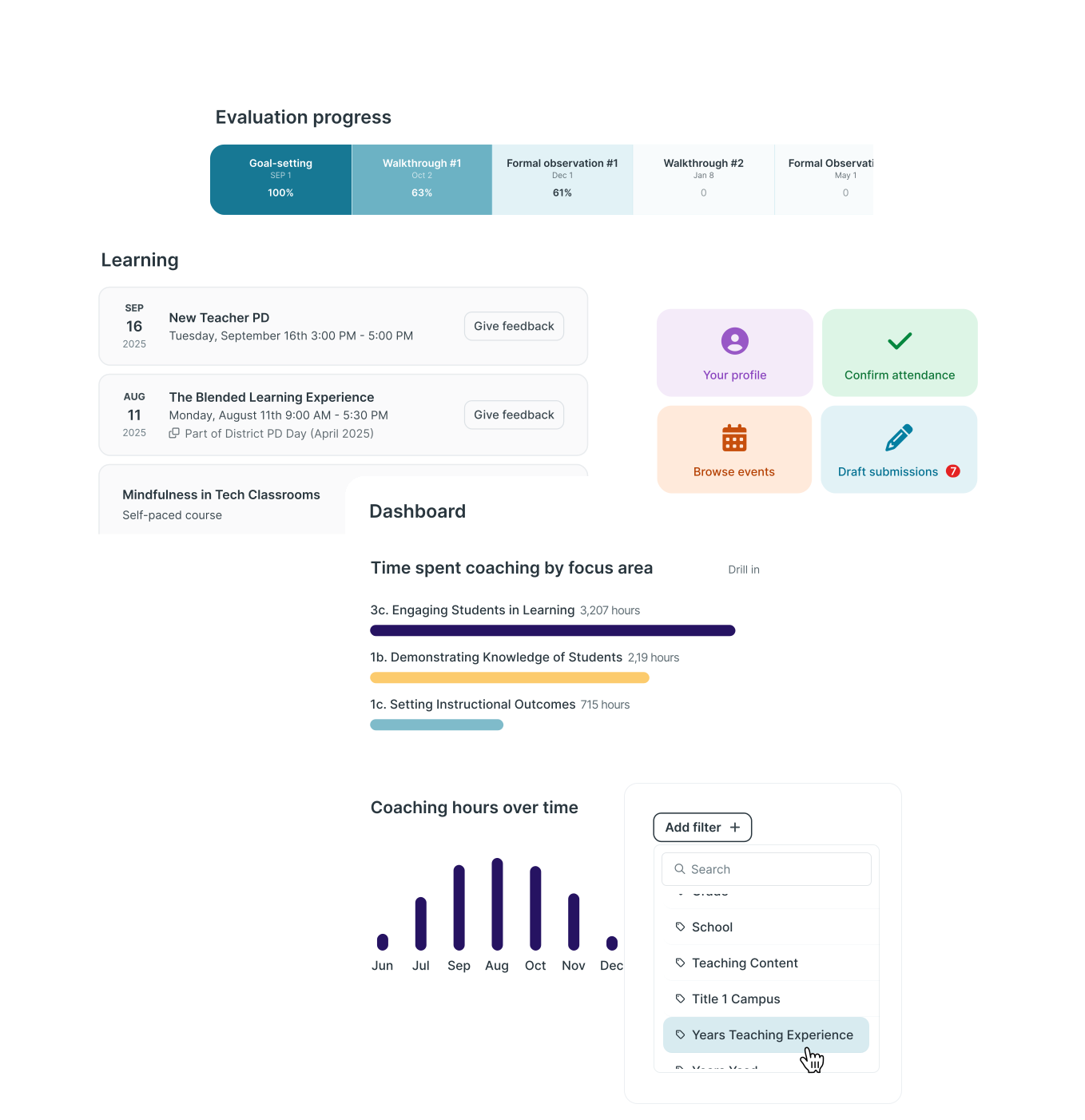
Visibility: Every leader sees exactly where evaluation progress stands — by teacher, by step, by evaluator — without running a report. District-level leaders get the same real-time picture across all schools and staff groups, so gaps get flagged before they become problems.
KickUp Learning, Growth and Coaching & Walks run on a single data set — no exports, no syncing, no separate logins.
At the individual level, a teacher's PD hours, coaching engagement, and evaluation data are all visible in one place. At the district level, leaders can see patterns across schools, roles, and programs — spotting where support is concentrated, where it's missing, and whether it's moving the needle on performance. Build a dashboard once, share it with all your principals or coaches, and each person automatically sees only what's relevant to them. That complete picture — from individual teacher to district-wide trend — is what becomes possible when the data was never siloed to begin with.
KickUp supports any instructional framework — Danielson, T-TESS, Get Better Faster, or one your district built itself — across any staff type: teachers, paraprofessionals, administrators, support staff. Districts start from KickUp's best-practice templates or build from scratch, and can make changes mid-year without IT involvement.
Evaluation cycles, coaching forms, walkthrough look-fors, and PD tags can all be aligned to the same frameworks — so every touchpoint — coaching, walks, evaluation, PD — is pulling in the same direction.
Most districts are surprised by how smooth the transition is. From the moment you sign, you have a dedicated Customer Success Manager and an onboarding specialist working alongside your district. KickUp handles the heavy lifting — configuration, data sync, SSO setup, and training — in close collaboration with your team.
If you're migrating historical data from Frontline or another system, your CSM works alongside your district's technical team and KickUp's technical integration team to determine what to import, format historical records, and ensure the right people have access to the right data from day one.
KickUp typically kicks off 4–8 weeks before your target go-live date, with weekly working sessions throughout. Timelines can be accelerated or extended based on your needs.
Training doesn't end at launch — as your team changes and your use of the platform deepens, KickUp continues to provide check-ins, new feature training, and refresher support throughout the partnership.
See what implementation looks like for other districts coming from Frontline →
KickUp syncs with your SIS or HRIS to keep staff information current without manual work. Staff data syncs nightly — automatically adding new staff, updating roles and building assignments, and removing users who have left. For single sign-on, KickUp supports Google, Microsoft Entra ID, Classlink, Rapid Identity, and any SAML-capable identity provider. No ports need to be opened on your district firewall.
Yes. KickUp is SOC 2 Type II certified, FERPA compliant, and WCAG 2.0 AA accessible. All data is hosted on AWS in U.S.-based data centers and encrypted at rest and in transit. KickUp has maintained 99.98%+ uptime over the last two years. Full documentation is available at trust.kickup.co.
.svg)